How it works
No dealing machines. No special equipment beyond the app and a pack of NFC sticker tags.
Stick one NFC sticker on the back of each card. The app walks you through writing each card's identity — done once, lasts forever.
Browse the real tournament deals included in the app, or load your own PBN file from any source.
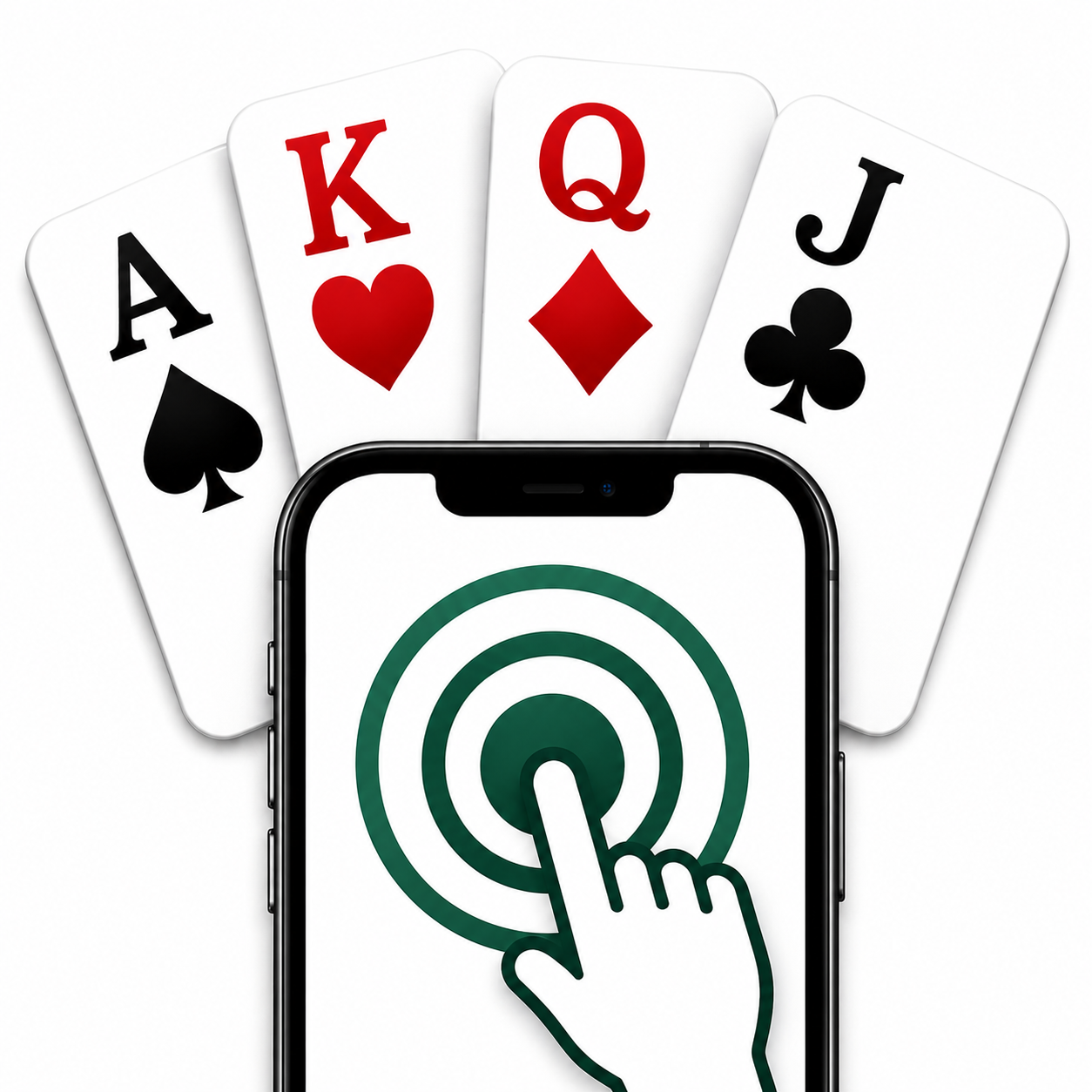
Tap each card against the phone. The app reads the NFC tag and tells you which player gets it — North, South, East, or West.
Enter your contract and result. See your matchpoint percentage against the real players who played this exact deal in the tournament.
Features
Built for four bridge players who want a simple way to play real duplicate bridge.
Tap any card to the phone and the app instantly identifies it and tells you which seat receives it. Works with standard NTAG213 stickers.
Your result is compared against every pair that played the same board in the original tournament. See your exact percentage.
Real competitive bridge deals included out of the box — sourced from RealBridge. No internet required to play.
Import any PBN file and keep your own library of interesting boards.
No sign-up, no data sent anywhere. Everything stays on your device.
A clean design that looks great in both light and dark mode, day or evening session.
Free to download. NFC sticker tags available online for a few pounds.
Download on the App StoreGet in touch
We'd love to hear from you — whether it's a bug, a suggestion, or just a question about getting started. Check the Support page for FAQs.