Quick answers to common questions. Can't find what you need? Email us below.
How do I tag my cards?
Stick one NFC sticker (NTAG213) on the back of each card in your deck. Open the app's tag-writing wizard and tap each card to your phone in turn — the app writes that card's identity (e.g. "AS" for Ace of Spades) to the sticker. This is a one-time setup; the same deck works for every deal afterwards.
How do I load a deal?
Browse the tournament deals bundled with the app, or import your own .pbn file using the document picker from your Files app.
What happens when I tap a card?
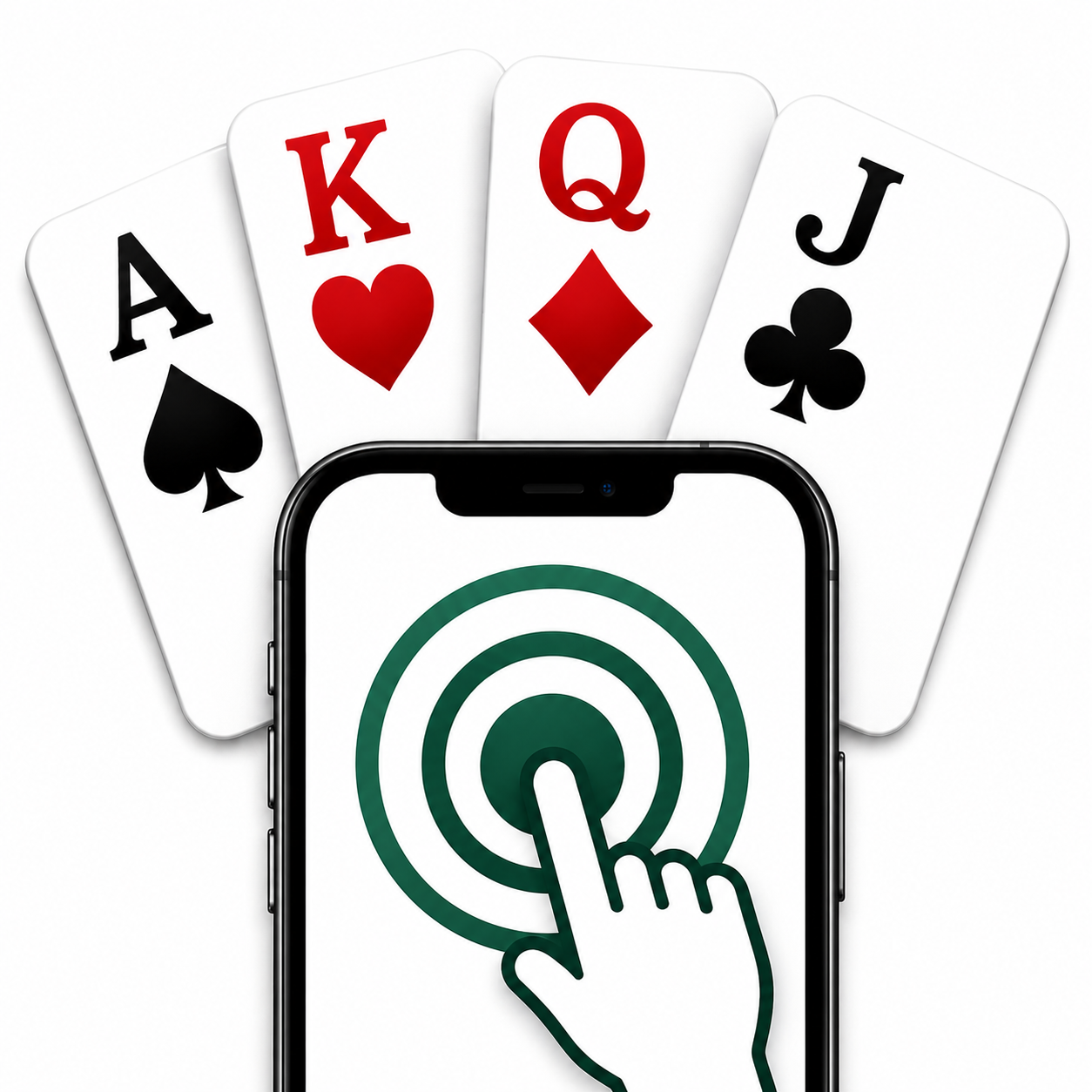
During dealing, tap each card against the back of your phone. The app reads the NFC tag and tells you which seat — North, South, East, or West — receives that card.
My card isn't being recognized — what do I do?
- Make sure the NFC sticker is on the back of the card, not under a thick sleeve or holder.
- Hold the card flat against the back of your phone, near the top, where the NFC antenna is.
- Try tapping again — NFC reads can occasionally need a second attempt.
- If the card was never tagged, return to the tagging setup flow to write its identity.
How is my score compared to the field?
After you enter your contract and result, the app calculates your matchpoint percentage by comparing your score against every other pair that played the same board in the original tournament.
Is my data sent anywhere?
No — everything stays on your device. See the Privacy Policy for details.